Device Binding and Free Quotas [3]
Device Binding and Free Quotas: Upon initially binding devices to an organization, corresponding livestream minutes, mapping image quotas, and storage space will be granted.
FAQ
Aerosmart UAV Trading L.L.C. is a tech company that specialises in drones and solutions in the UAE and across the GCC.
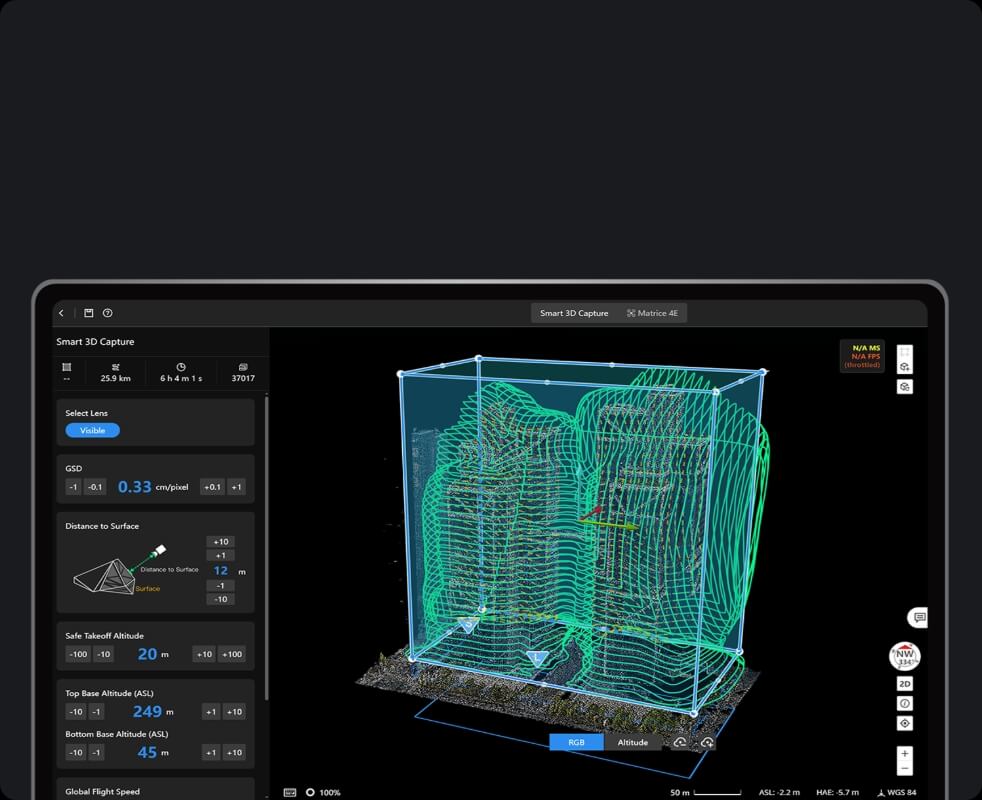




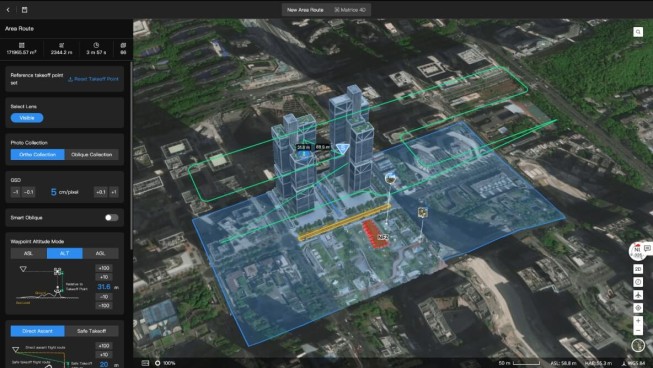
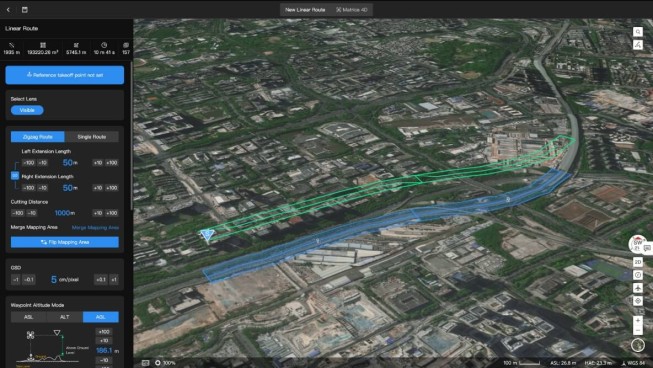
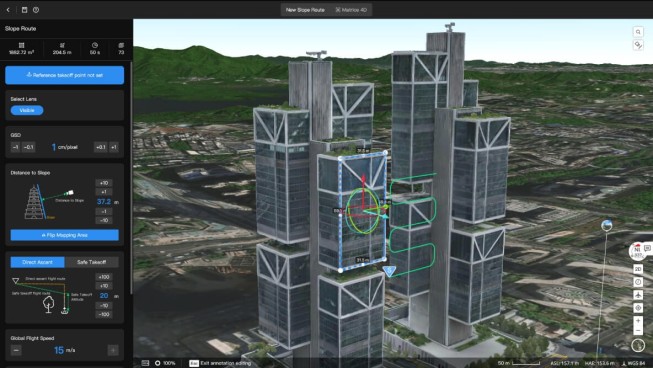
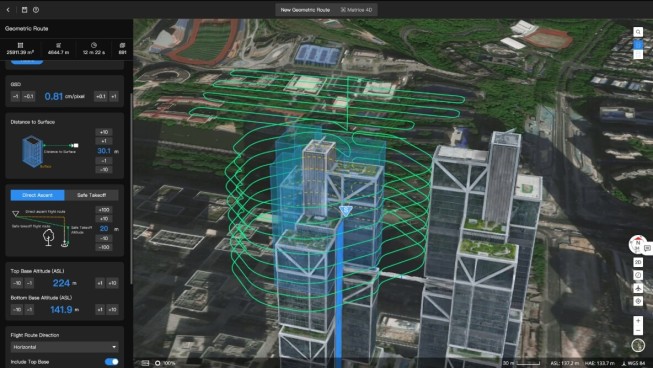
Immersive 3D Route Editing: What You See Is What You Get
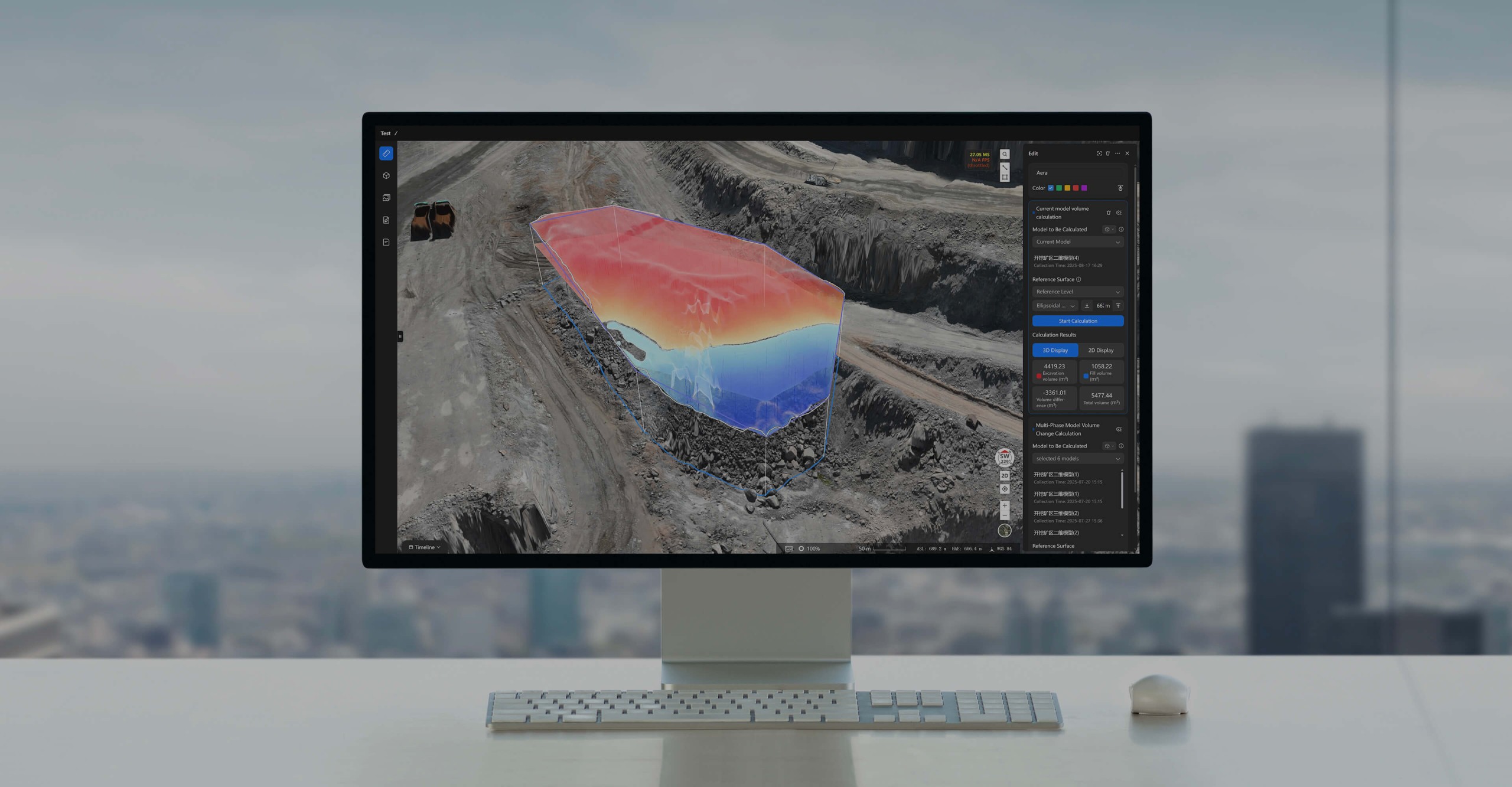
light data uploads directly to FlightHub 2 and reconstruction begins in the cloud producing 2D orthomosaics, 3D reality models, and point clouds without requiring dedicated workstation processing. For missions where time to data matters, real-time 2D reconstruction runs during the flight itself, so a working model is available the moment the aircraft lands. Output accuracy meets 1:500 scale mapping standards, and exports in standard industry formats mean the results plug directly into GIS, BIM, and asset management platforms without conversion steps.
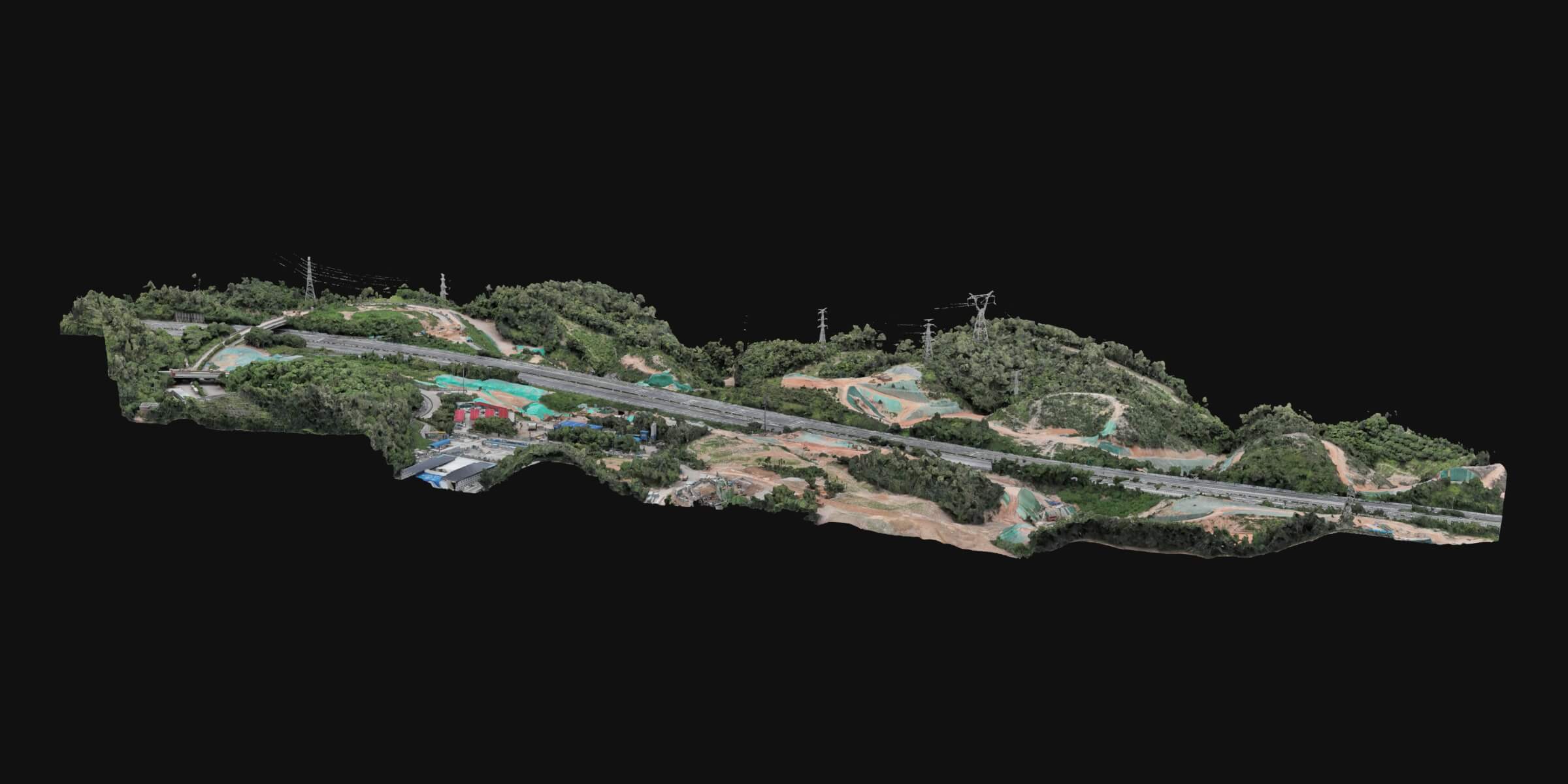
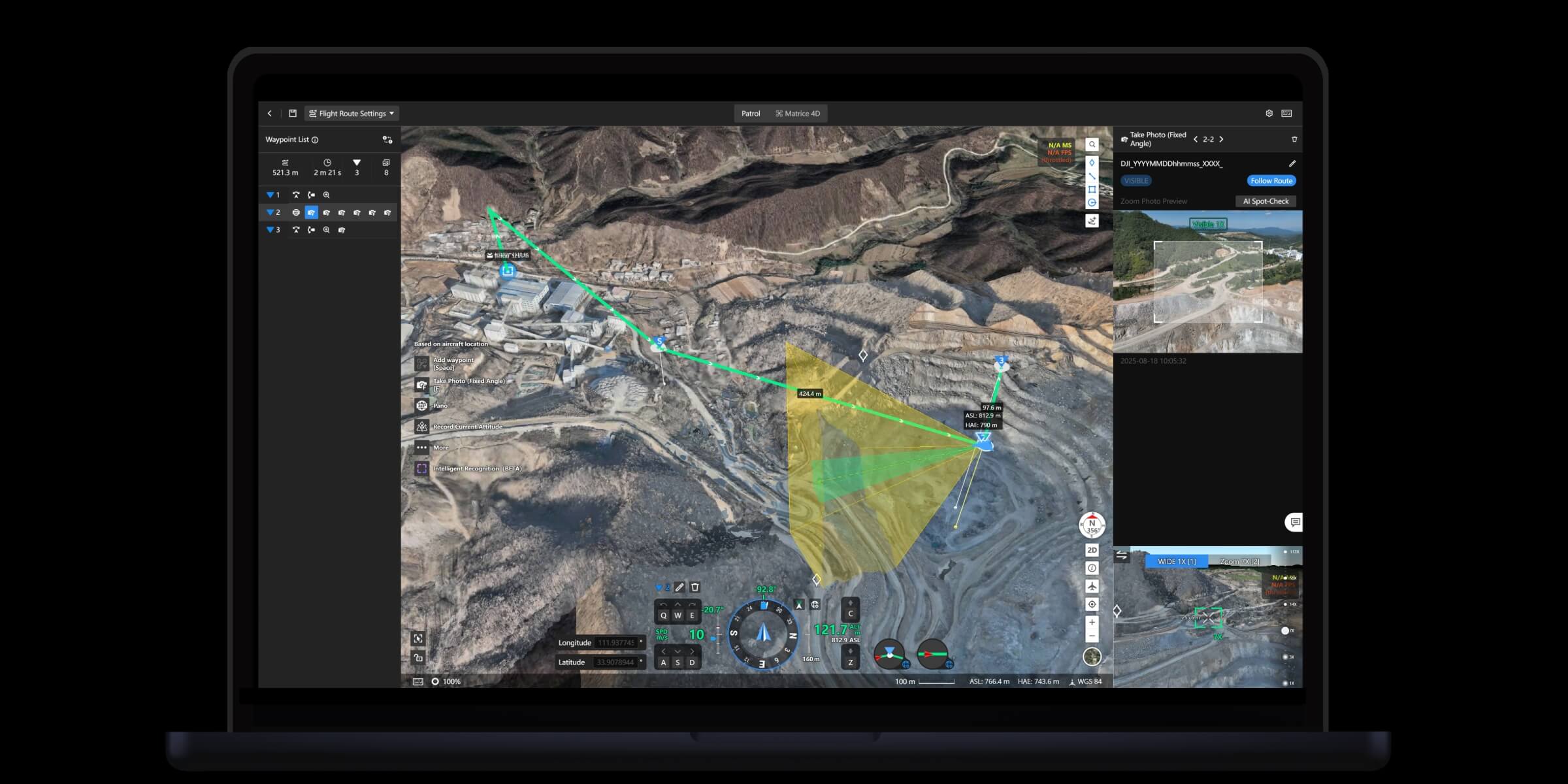
Supports multiple route planning methods to flexibly adapt to complex terrain and diverse operational requirements.
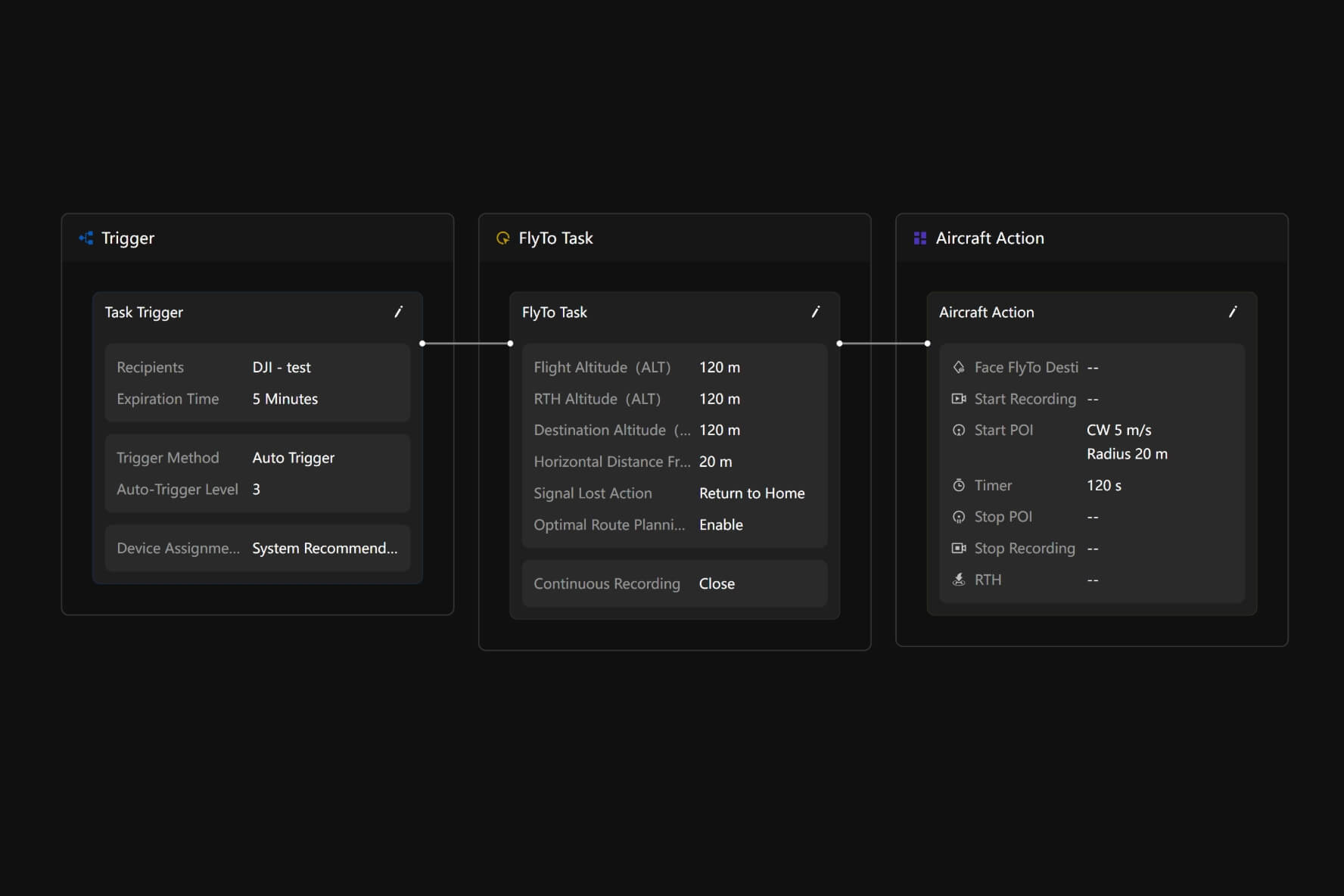
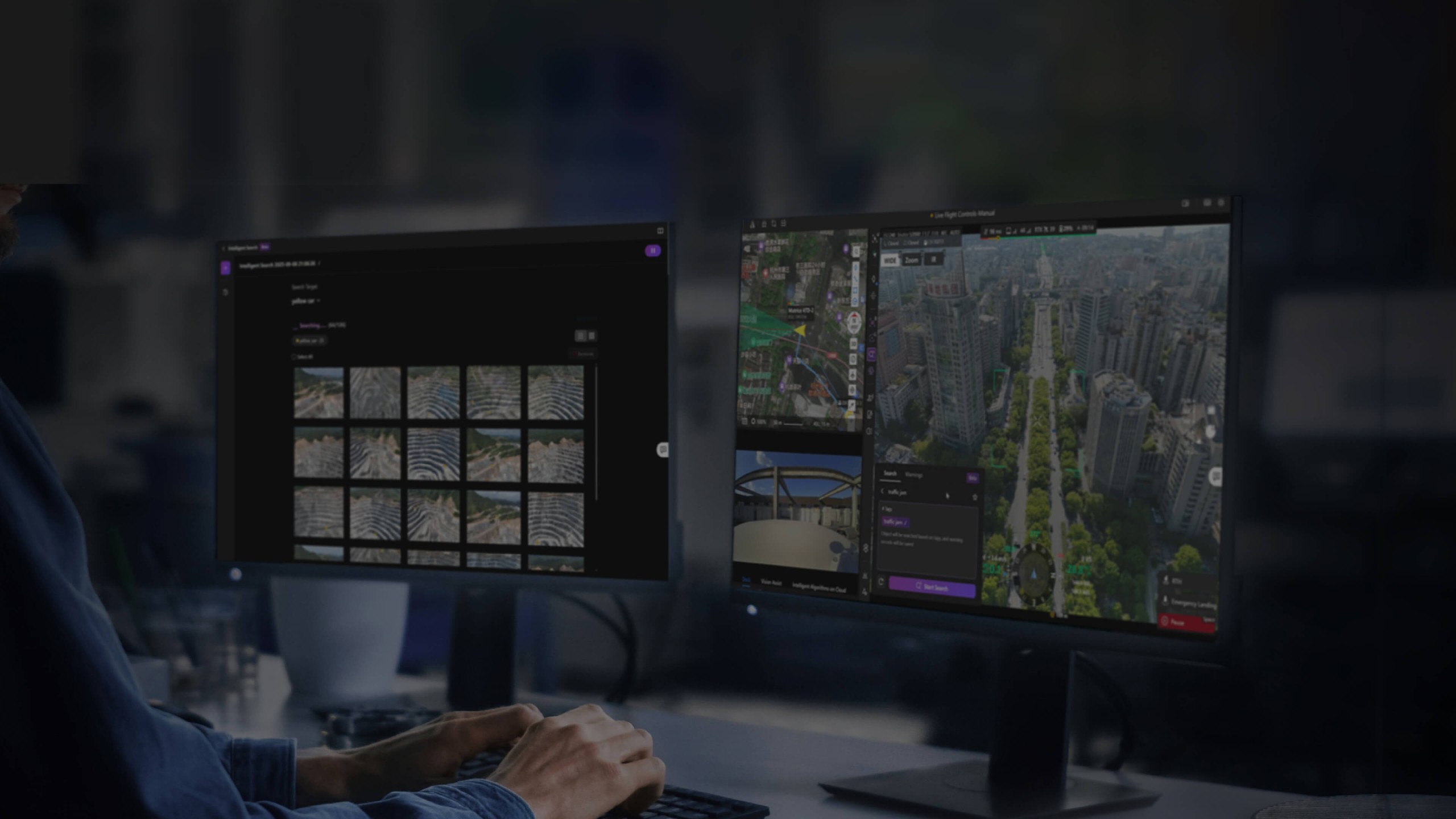
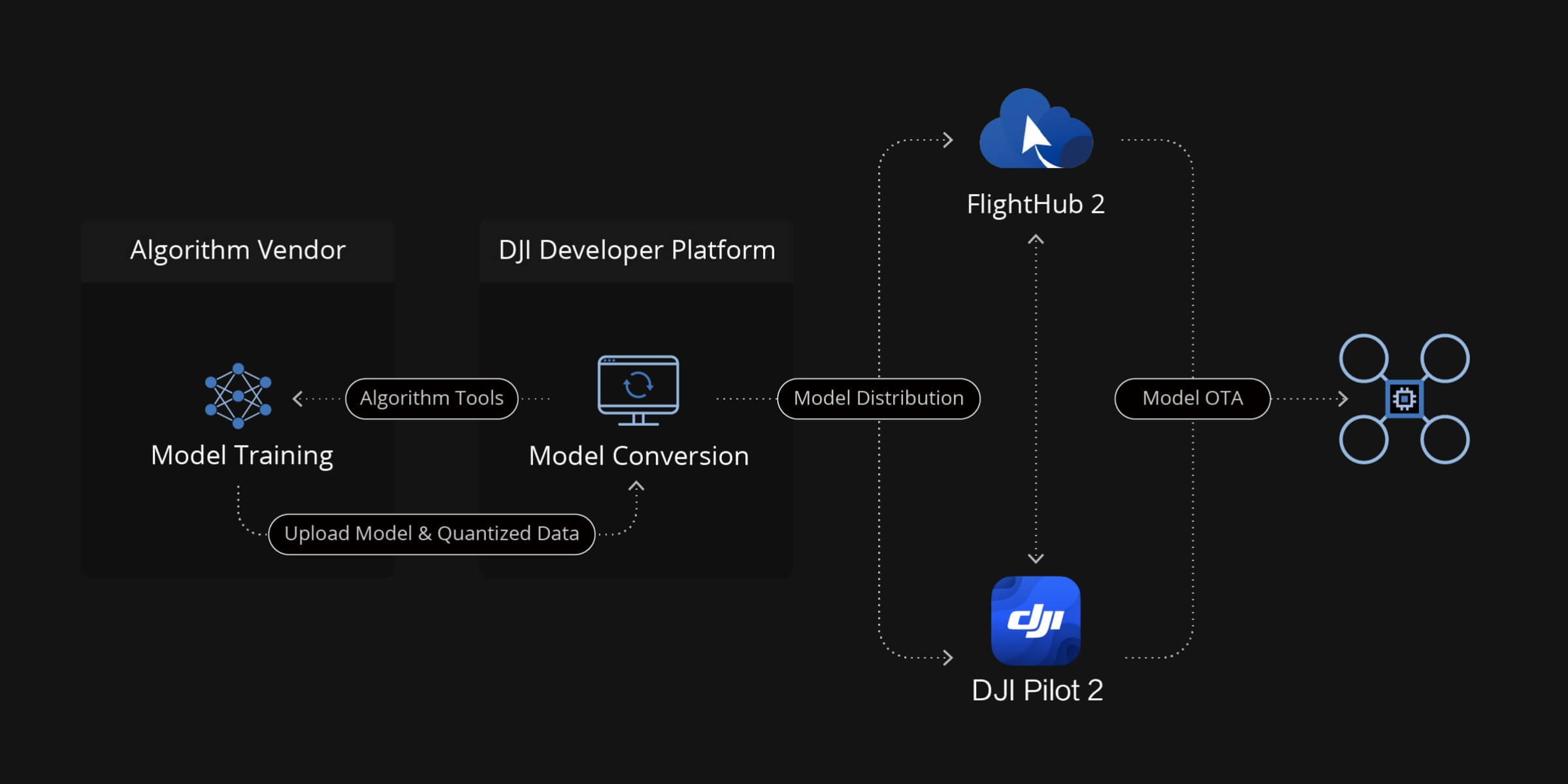
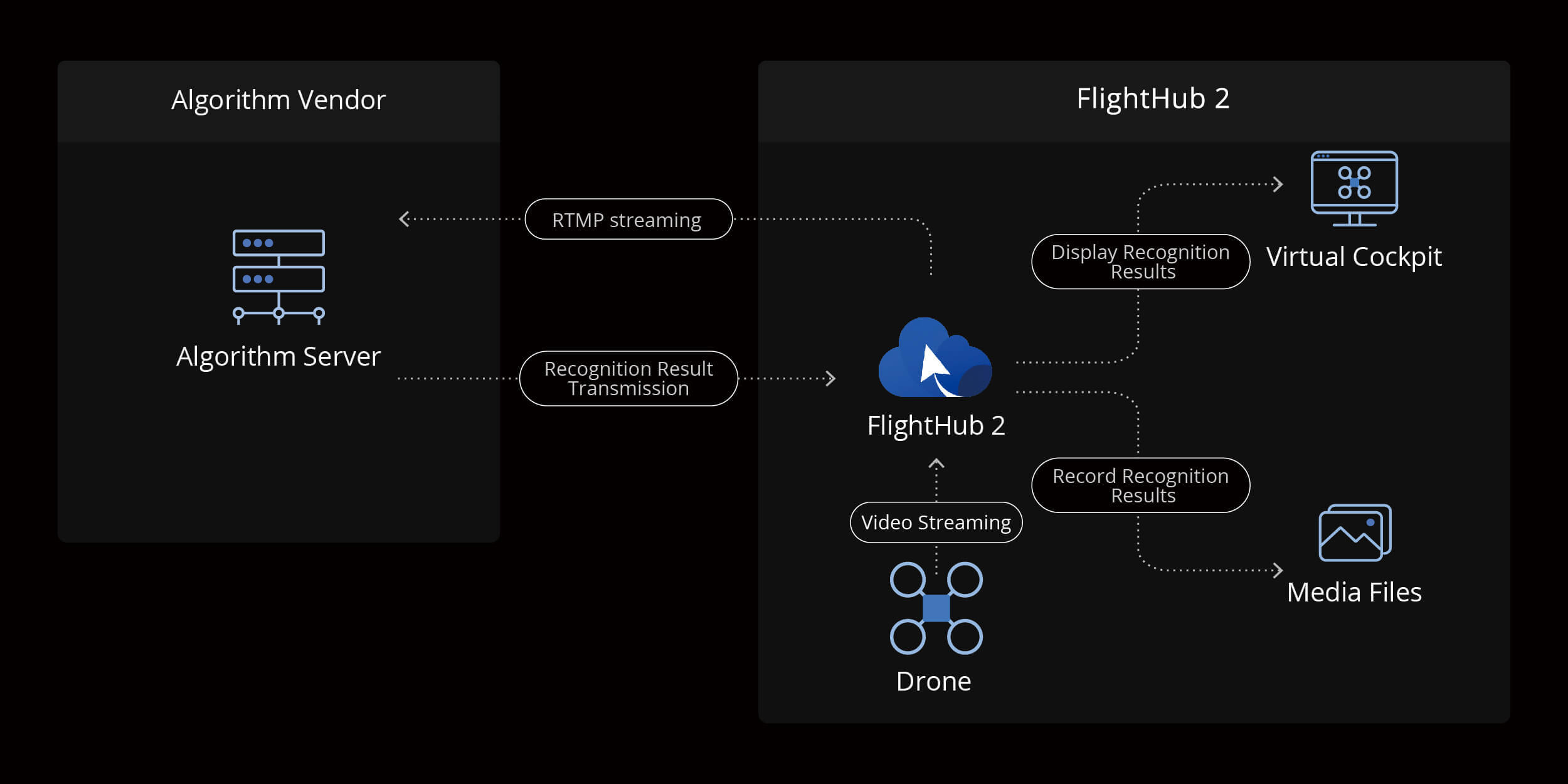
When a detection alert fires, FlightHub 2 can dispatch an aircraft to the relevant location automatically or await operator confirmation the response mode is configurable based on the scenario. Three linked nodes define the sequence: the Trigger that starts the chain, the FlyTo Task that moves the aircraft, and the Aircraft Action that executes on arrival. For law enforcement dispatch, emergency response, and scheduled patrol coverage, this chain converts an alert into an aerial response without manual coordination at each stage.
Recurring data collection programs weekly site surveys, regular infrastructure monitoring, periodic environmental assessments configure through a drag-and-drop workflow builder that chains collection, reconstruction, measurement, analysis, and report delivery into a single scheduled sequence. Once the workflow is set up, the entire cycle runs on schedule without manual intervention at any stage. Hardware and software run in coordination, and the output at the end of each cycle is analysis-ready data and a formatted report, not a raw pile of imagery waiting for processing.
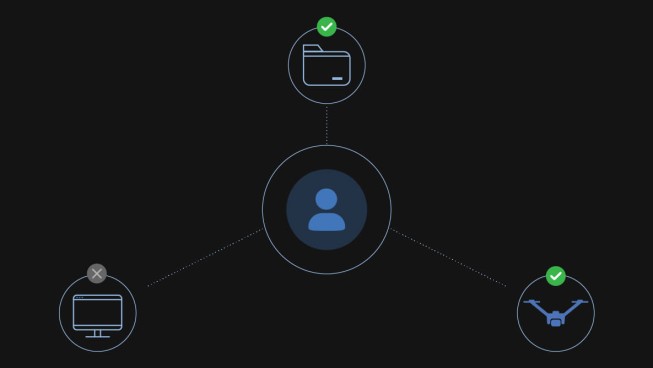


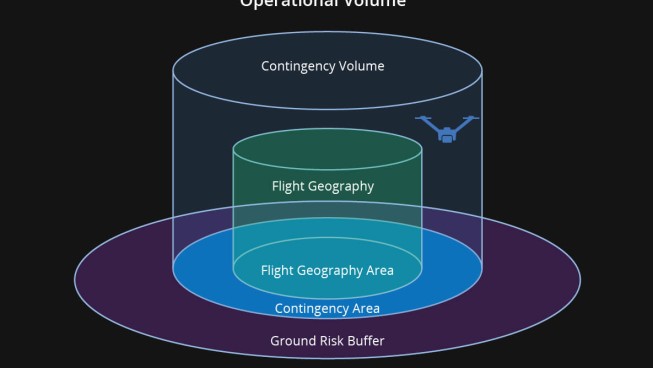
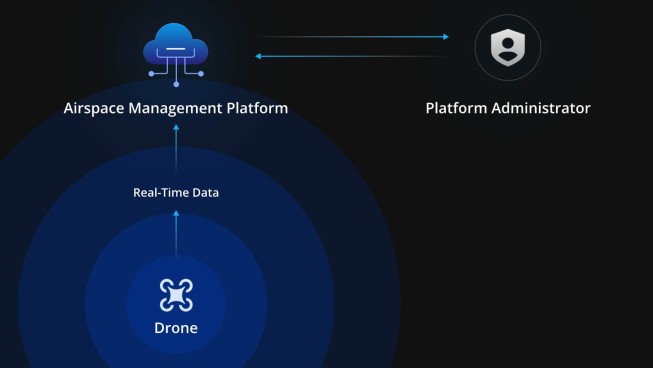
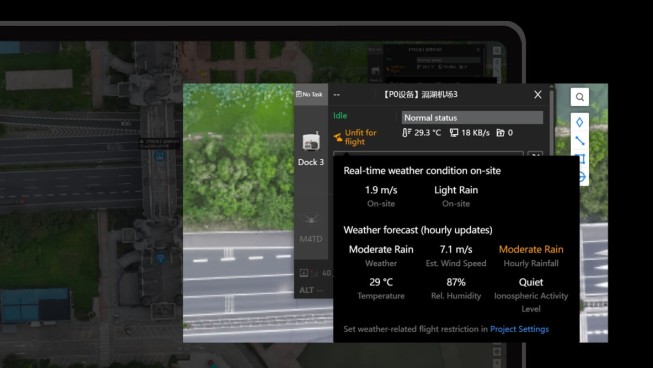
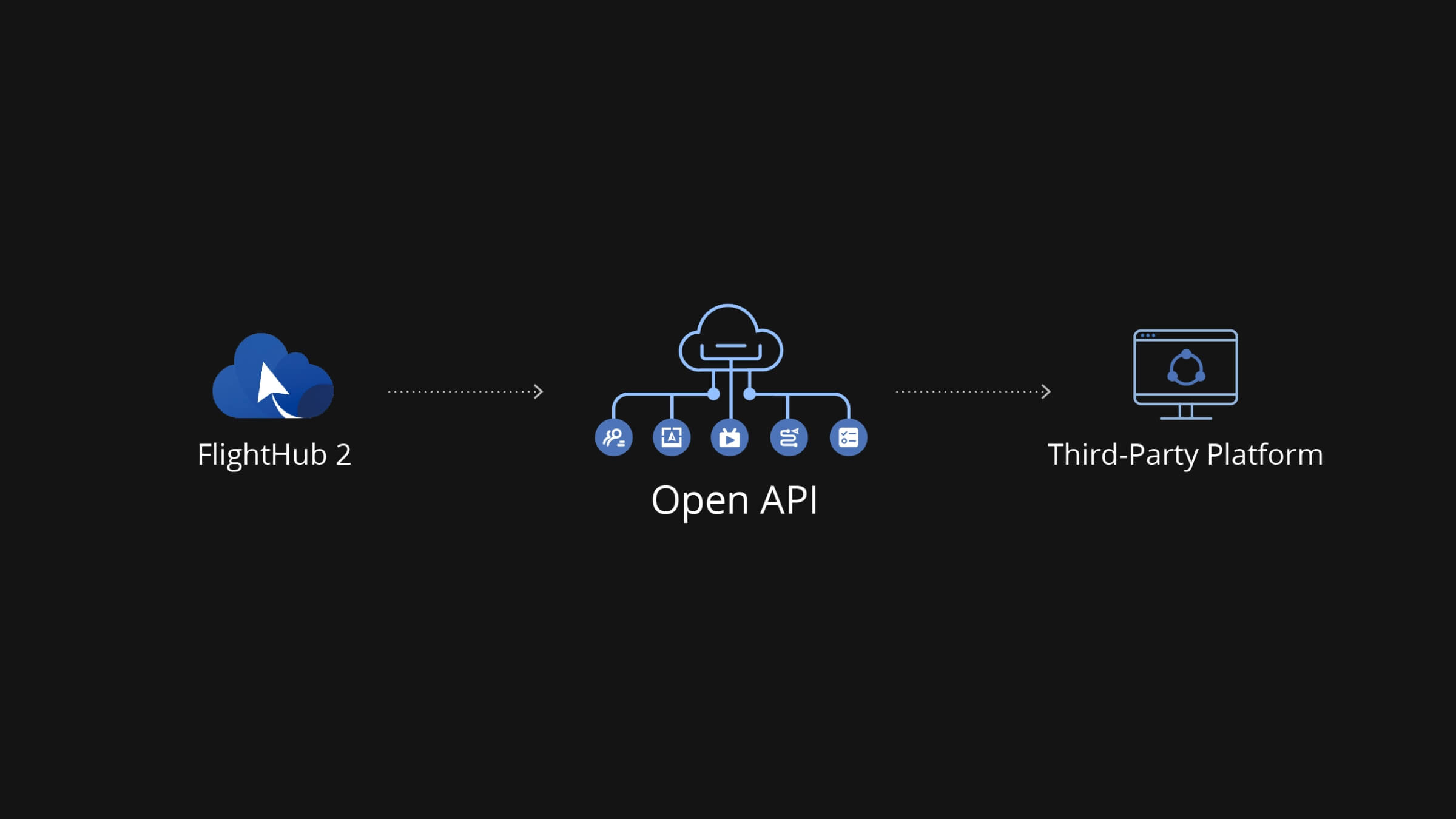
A RESTful OpenAPI exposes FlightHub 2’s core capabilities flight control, mission management, reconstruction, and data access to external development teams. Organisations building custom dashboards, integrating drone data into existing enterprise systems, or adding aerial data collection to industry-specific platforms can build against the API directly, reducing the scope of custom development required and accelerating deployment timelines.
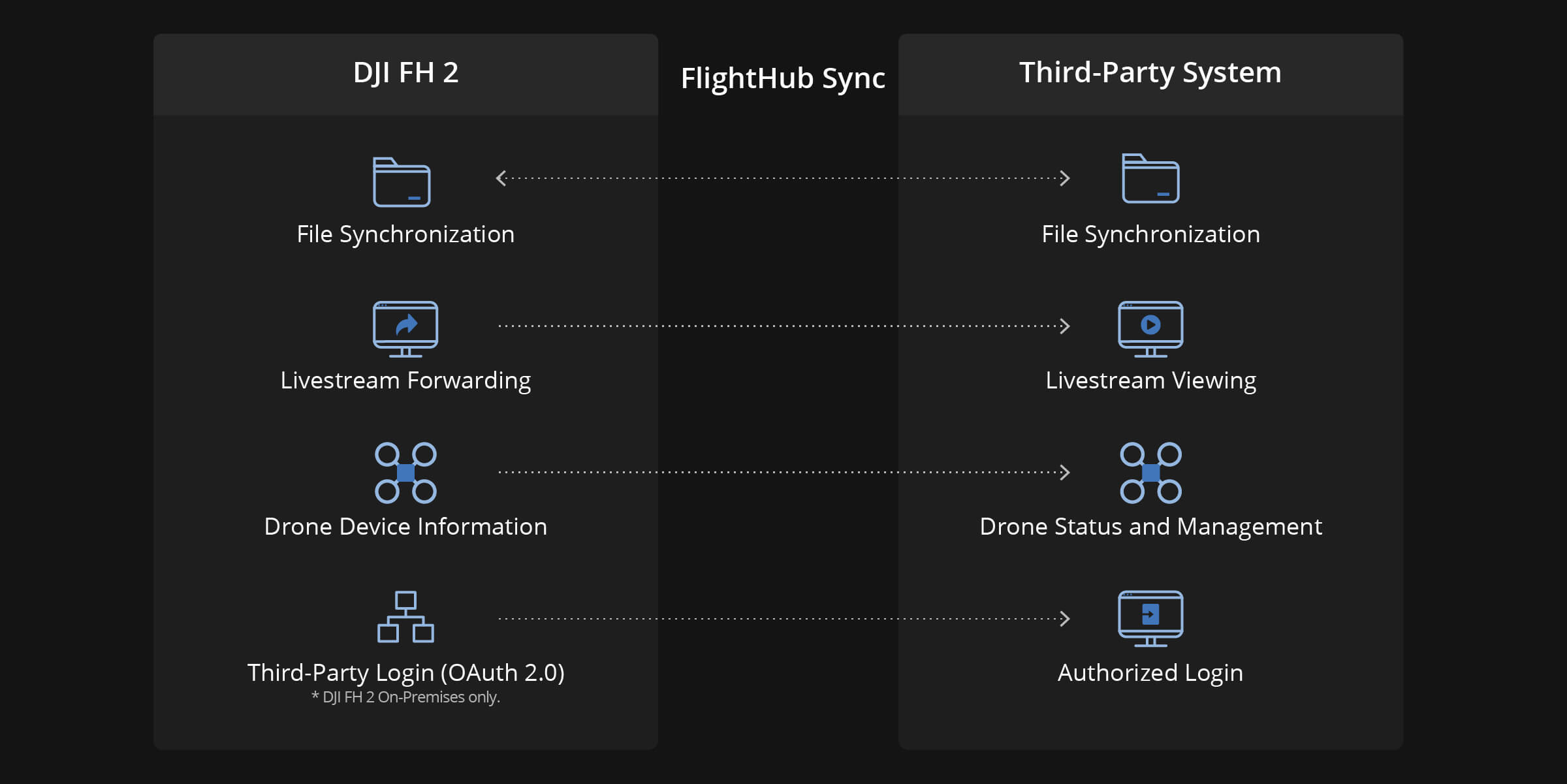
For teams that need system integration without a development build, FlightHub Sync connects FlightHub 2 to existing organisational platforms through a visual configuration interface no code required. Flight routes, media files, and 3D models sync to connected systems automatically. Live streams push to external platforms via RTMP, RTSP, or GB28181 protocol, reaching command centres, client dashboards, and third-party monitoring systems in whatever format they already accept.
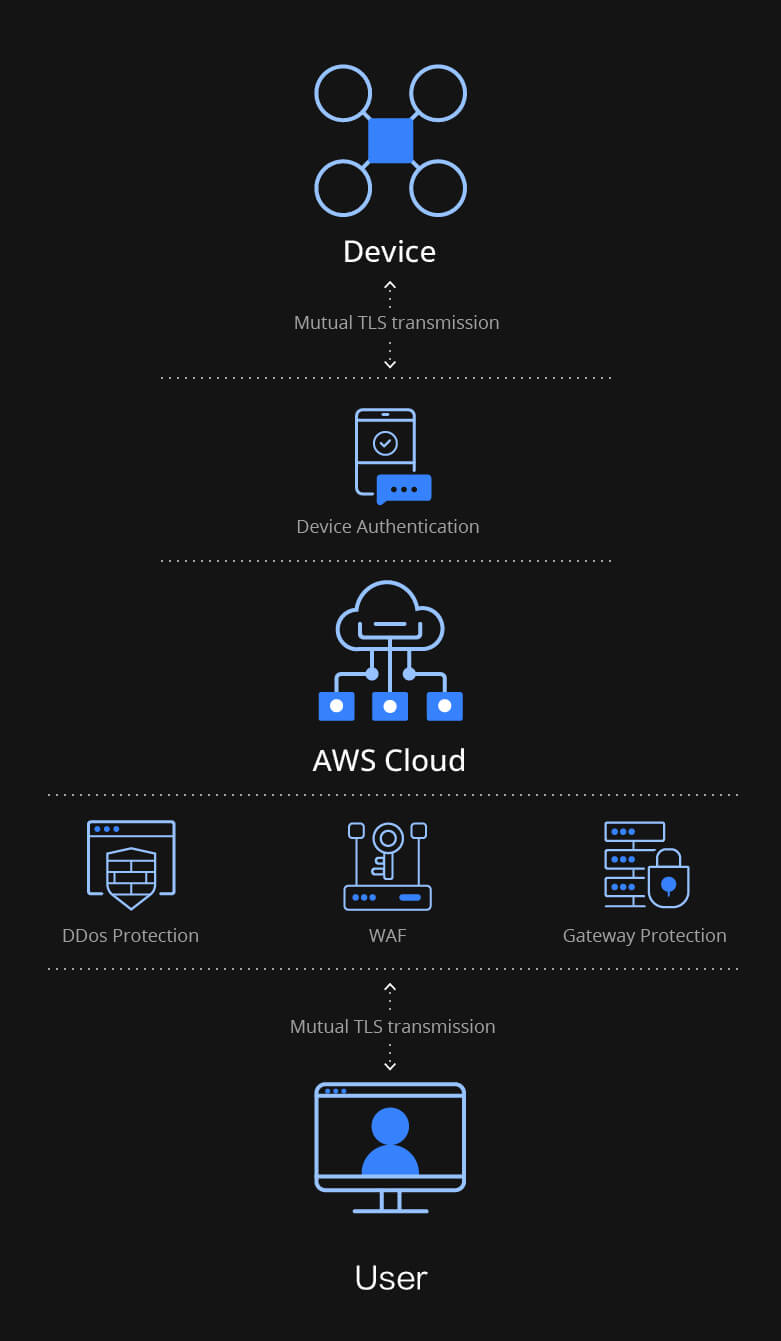
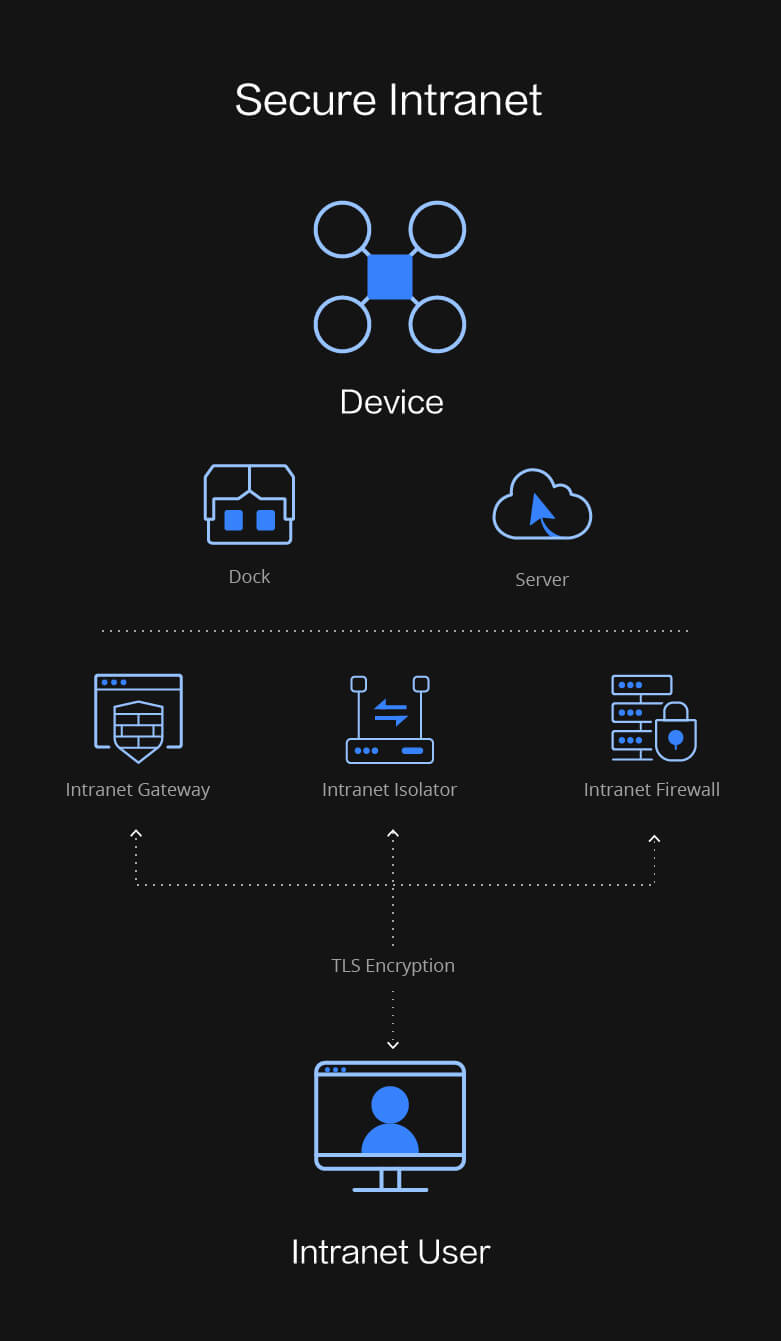
For organisations where cloud deployment raises data sovereignty or network security concerns, FlightHub 2 deploys on-premises into an isolated intranet environment. The same platform capabilities run entirely within the organisation’s own infrastructure, with no data leaving the internal network. An All-in-One solution is available for organisations that need self-contained deployment without building a dedicated server environment.


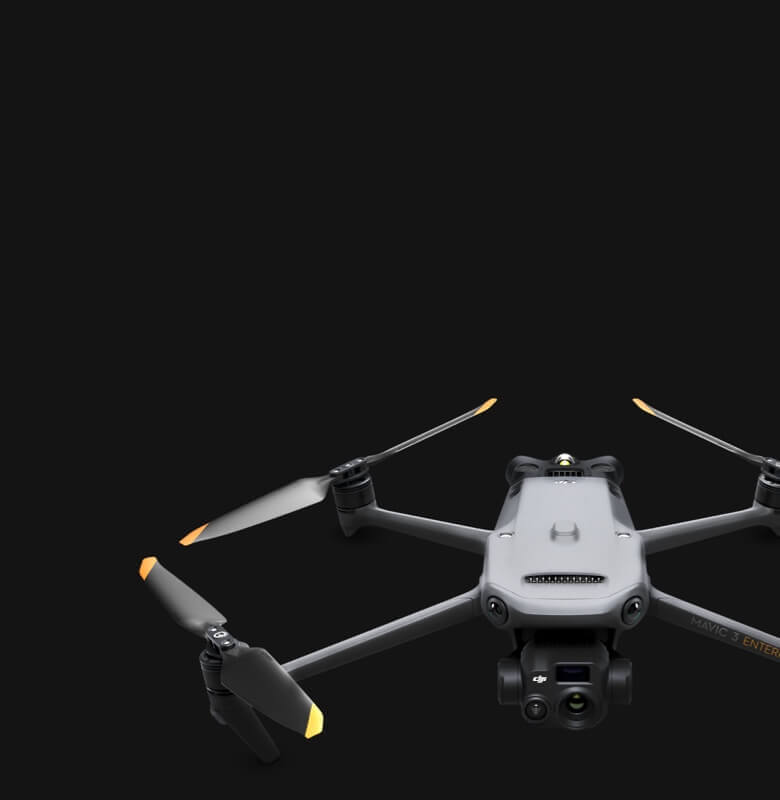
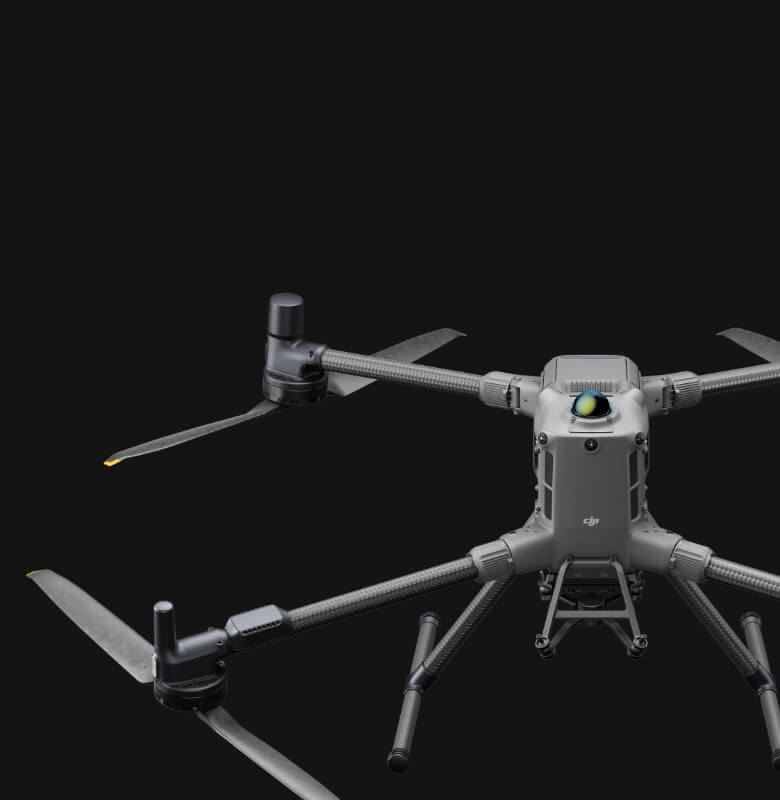
DJI FlightHub 2 licensing is available in the UAE through Aerosmart, Dubai, with pricing depending on the license tier and term selected. Request a same-day quote in AED with regional invoicing.
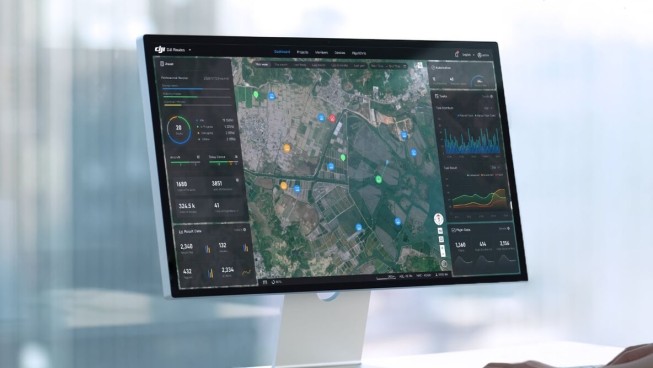
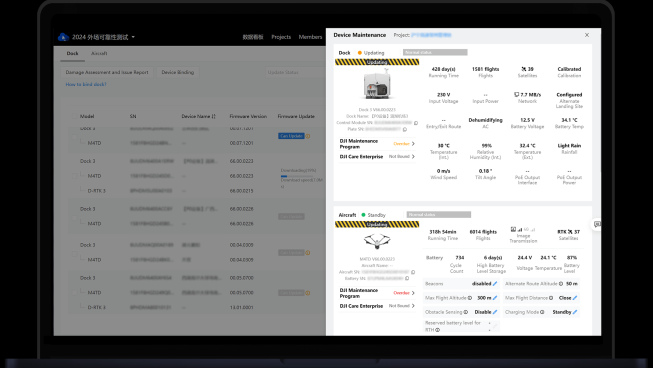
A cloud operations centre for drone fleets plan missions, watch live feeds from multiple aircraft, manage media and operate DJI Docks remotely from one dashboard.
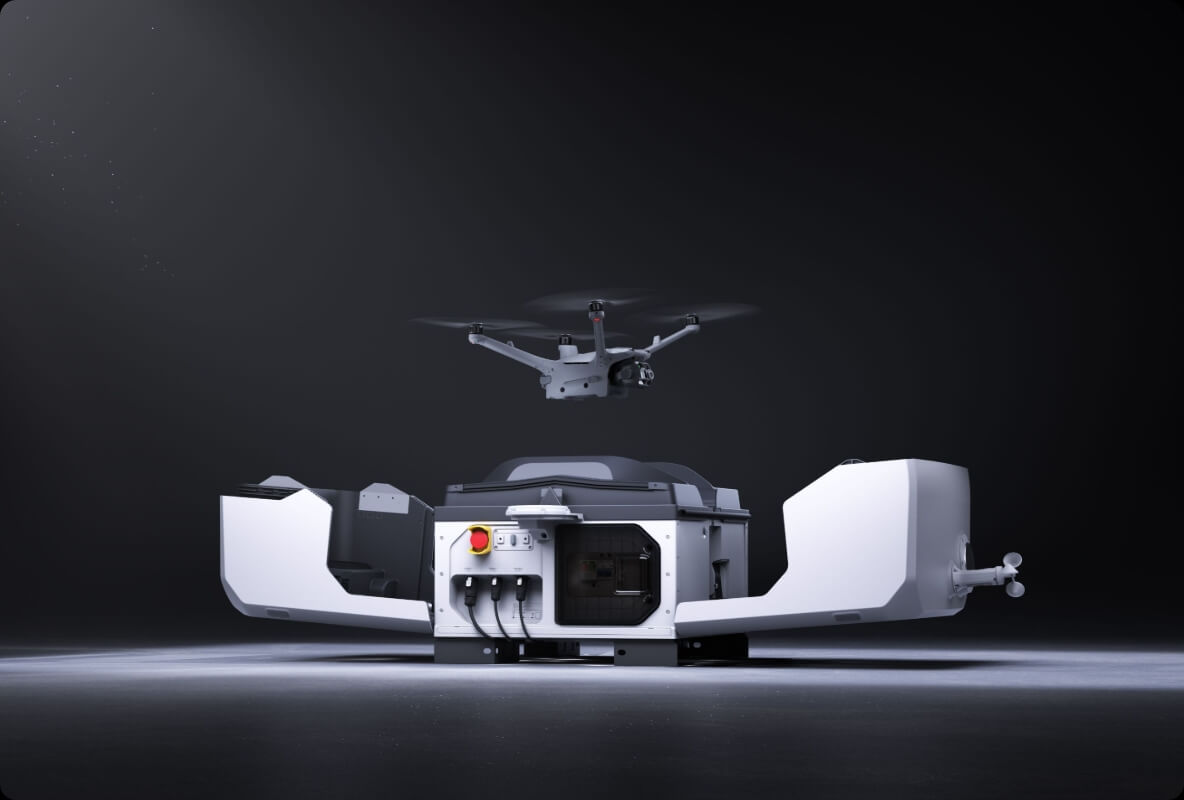
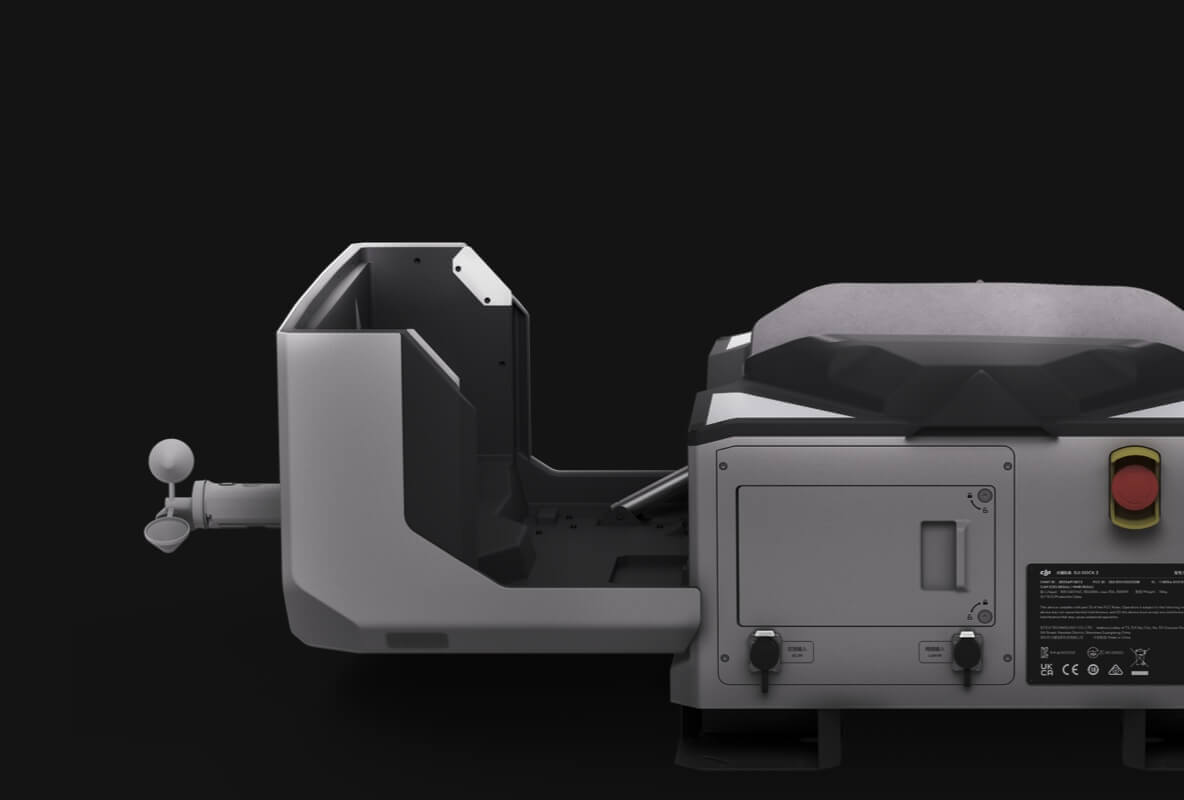
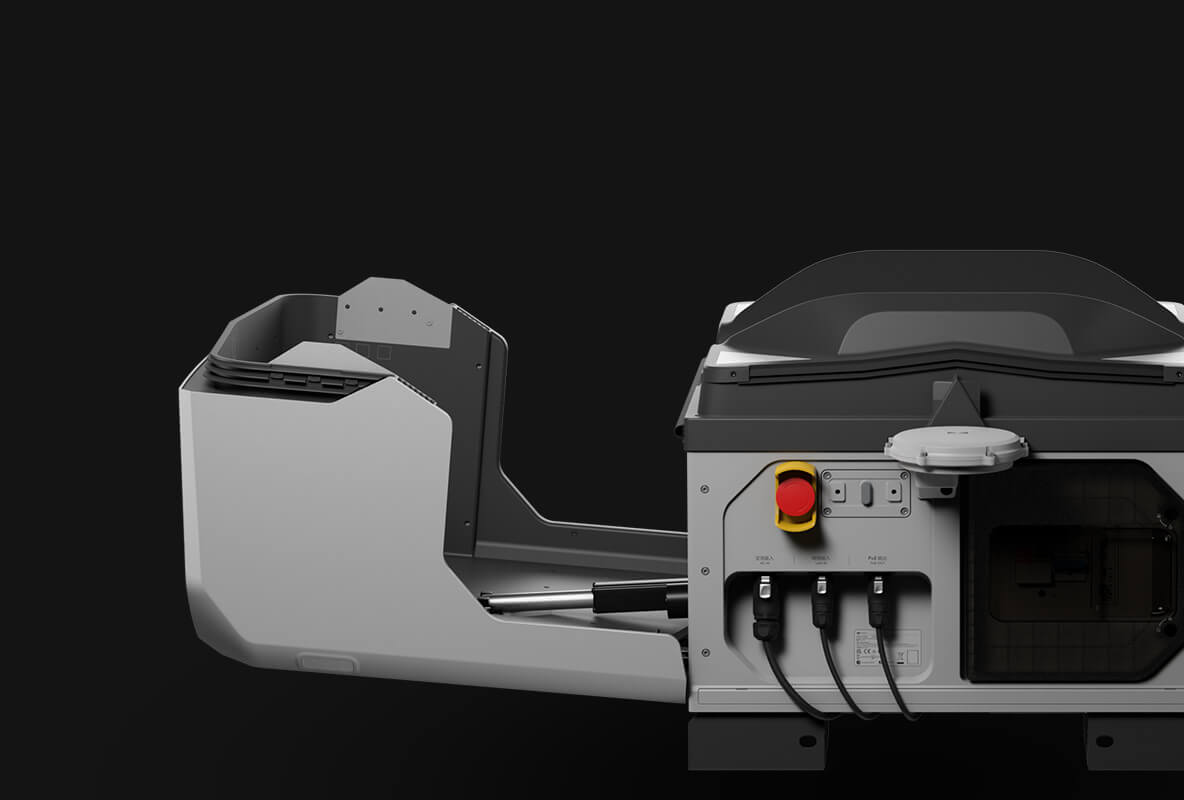
It is the standard control layer for Dock 2 and Dock 3 deployments scheduling automated missions and monitoring them from a control room.
Deployment options exist for organisations with data-residency requirements; Aerosmart scopes the right configuration with UAE public-sector clients.
Yes Aerosmart provides activation help, workflow guidance and ongoing regional support for every DJI FlightHub 2 license supplied in the UAE.


Your journey into the extraordinary begins here. Share your details for a personalized DJI FlightHub 2 quote and let your imagination soar.
✅ Thank you for reaching out. Your message has been successfully sent, and our team will get in touch with you shortly.